Field Guide · No.01 — AI Image-Making
Most prompt packs
have never been run
through a model. This one has.
318 prompts for professional photo & video — each specified to ~932 characters: subject, wardrobe, light behaviour, lens, skin texture. Rendered across three models. We published what broke and wrote the fixes into the pack.
- Prompts
- 318
- Photo / Video
- 253/65
- Avg length
- 932c
- Shortest
- 587c
Fill the character sheet
Describe your subject once. That locked block goes into every prompt and keeps the same face across generations.
Paste a prompt, pick the model
Drop any of the 318 prompts into your image or video tool. Each one names the model best suited to it.
Ship on-brand content
Product shots, UGC, scenes, cinematic clips — consistent, specified, and ready for client work.
We ran the prompts. Then we published what failed.
Every pack claims its prompts are tested. Here is what that word is worth when you check — real results from rendering identical prompts across three models.
Concealed placket / no visible buttons
- FLUX
- failed
- Seedream
- held
- Imagen
- held
Precise wardrobe coverage held
- FLUX
- failed
- Seedream
- failed
- Imagen
- held
Visible exertion (sweat, flush)
- FLUX
- failed
- Seedream
- held
- Imagen
- failed
Correct barbell position under load
- FLUX
- failed
- Seedream
- held
- Imagen
- held
Correct specified footwear
- FLUX
- failed
- Seedream
- failed
- Imagen
- held
Note
No single model wins
Every constraint was honoured by at least one model, none by all three. Each prompt ships with the model best suited to its dominant demand.
Note
Negative instructions fail
“Buttoned, hidden placket / avoid visible buttons” rendered open, with a button. All 117 negative clauses were rewritten as positive constraints.
Note
Named lights enter frame
“Softbox at 45°” made two models render a visible softbox into the shot. Every lighting note now describes behaviour, never equipment.
Scope, honestly: a small sample — a handful of constraint-heavy prompts across three models, not a benchmark. Model behaviour changes without notice. Treat the per-prompt guidance as a strong starting point, not a guarantee.
What this pack is, and what it deliberately isn’t
There is a whole category of prompt packs selling filter workarounds and undisclosed fake people. This isn't one, and that's a design decision, not an oversight.
In frame
- Brand mascots and recurring original characters
- Product photography and commercial packshots
- UGC-style lifestyle content for your own brand
- Cinematic b-roll and short-form video prompts
- Disclosed AI presenters, built to survive daylight
Cropped out
- Anything built to bypass a model's safety filter
- Sexual or suggestive material of any kind
- Real, named or recognisable people
- Prompts whose value depends on fooling the viewer
- Invented statistics or borrowed screenshots
If you use a synthetic character to endorse a product to consumers, label it. Endorsement rules in the US, UK and EU treat an undisclosed synthetic endorser as a deceptive endorsement no matter how good the render is. A labelled AI presenter converts fine.
Keeping the same face across hundreds of generations
Face consistency is the problem everyone in this market claims to solve and almost nobody documents. The pack includes the full method, in four layers. None of it is a trick.
- 01
The written sheet
One locked block of physical description, pasted into every prompt. Describing your character slightly differently each time is the single biggest cause of drift.
- 02
The anchor set
Six to ten reference images of the same person, built from one another rather than generated independently — otherwise you get six cousins, not one person.
- 03
Reference conditioning
Pass two or three anchors, weight the character reference high and the style reference low, and keep the written sheet in the prompt as well.
- 04
Train a LoRA
For a long-term character. Fifteen to twenty-five varied images, a few dollars, under an hour — and consistency stops being something you fight for on every prompt.
Layer 1 alone gets you roughly 60% consistency. Layers 1–3 get you to the high 80s. The pack also documents the failure modes — why the face changes when you change the outfit, why wide shots drift when close-ups do not, and why editing your sheet invalidates your anchors.
318 prompts across 9 categories
Every prompt names subject, wardrobe, setting, light behaviour, lens and framing, skin and texture, and mood. Video prompts add camera movement, shot duration and pacing.
- Portraits & Base Character40
- Fashion & Outfits38
- Scenes & Locations35
- UGC & Lifestyle40
- Product & Commerce35
- Fitness & Wellness30
- Expressions & Poses35
- Cinematic Video35
- Reels & Short-Form30
Character sheet method
The full four-layer consistency guide, plus a debugging section for when drift happens anyway.
Per-prompt model guidance
Each prompt names the models best suited to it, ordered by what testing actually showed.
A tip on every prompt
Naming the specific failure mode — what goes wrong with this shot and how to correct it.
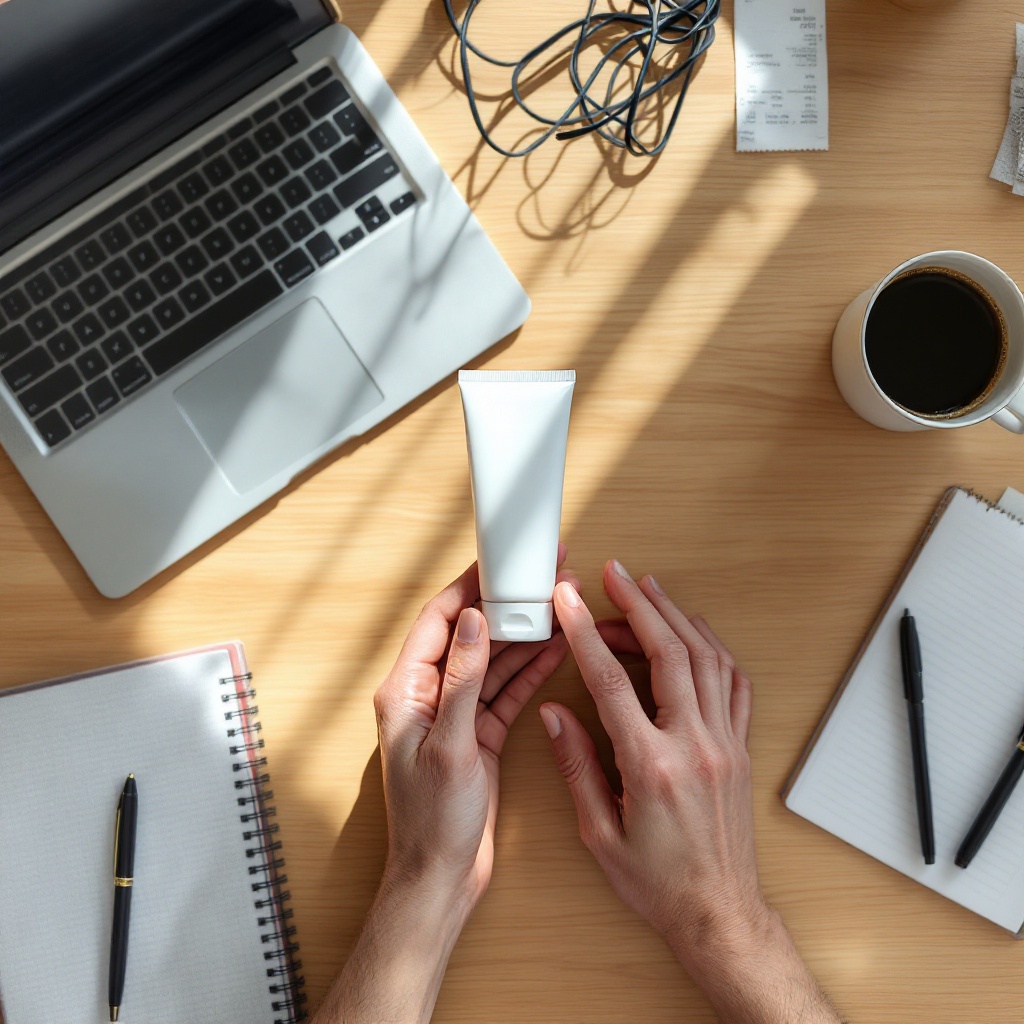
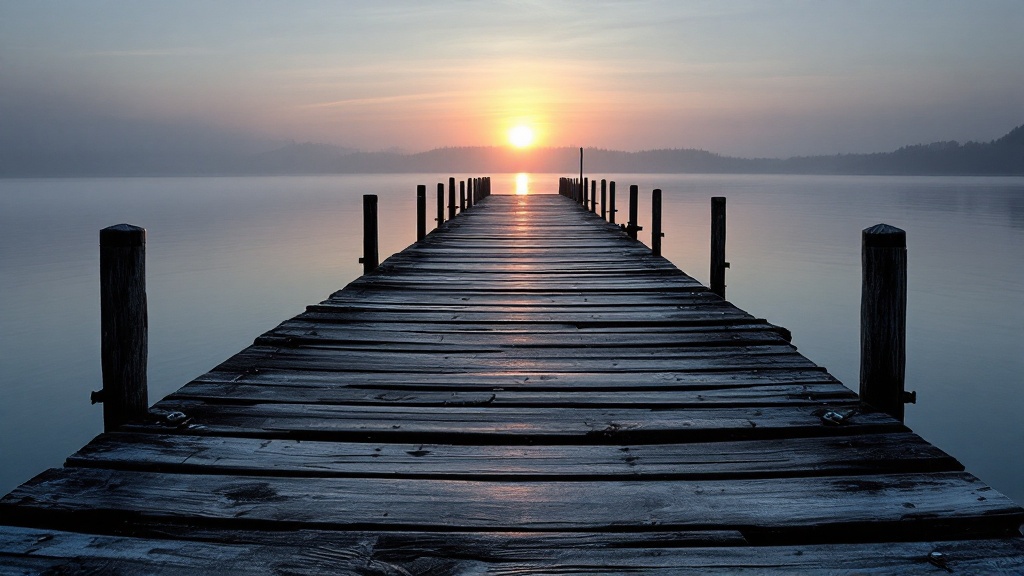
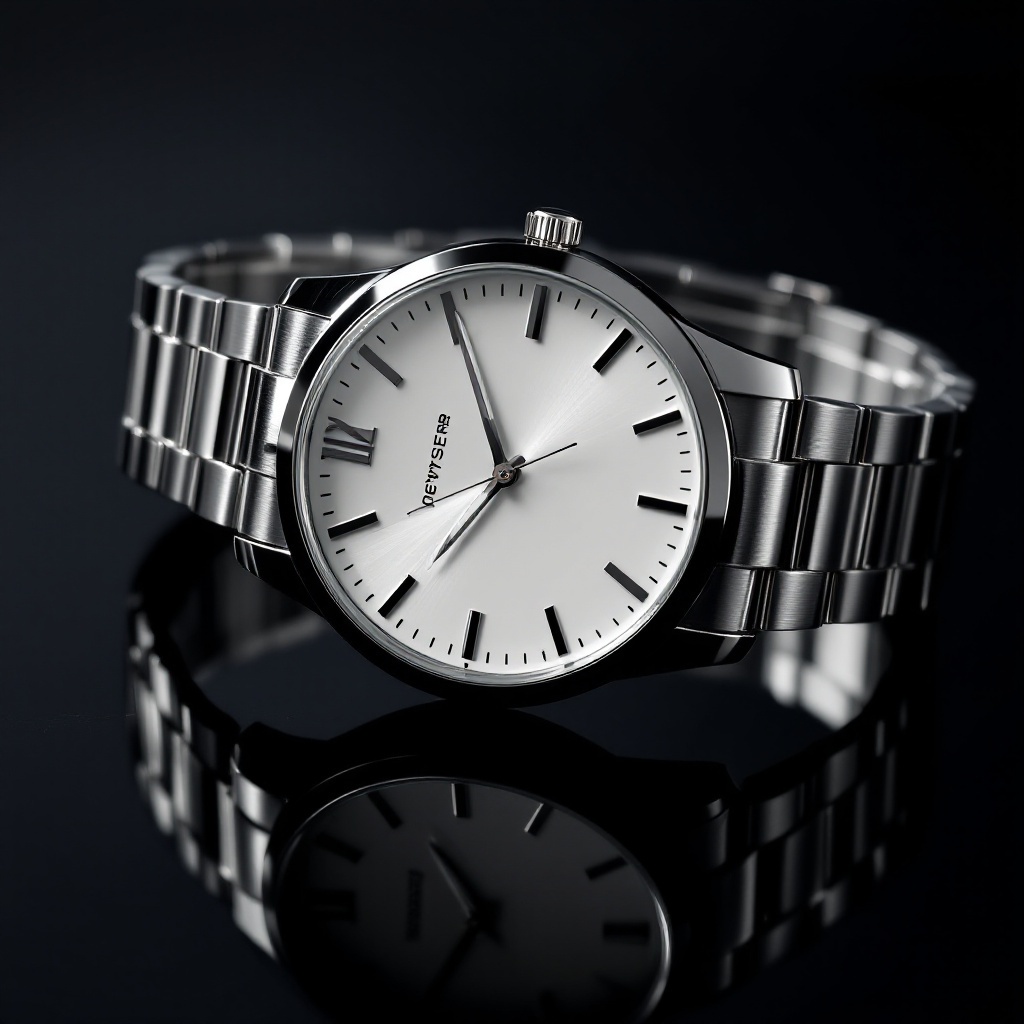
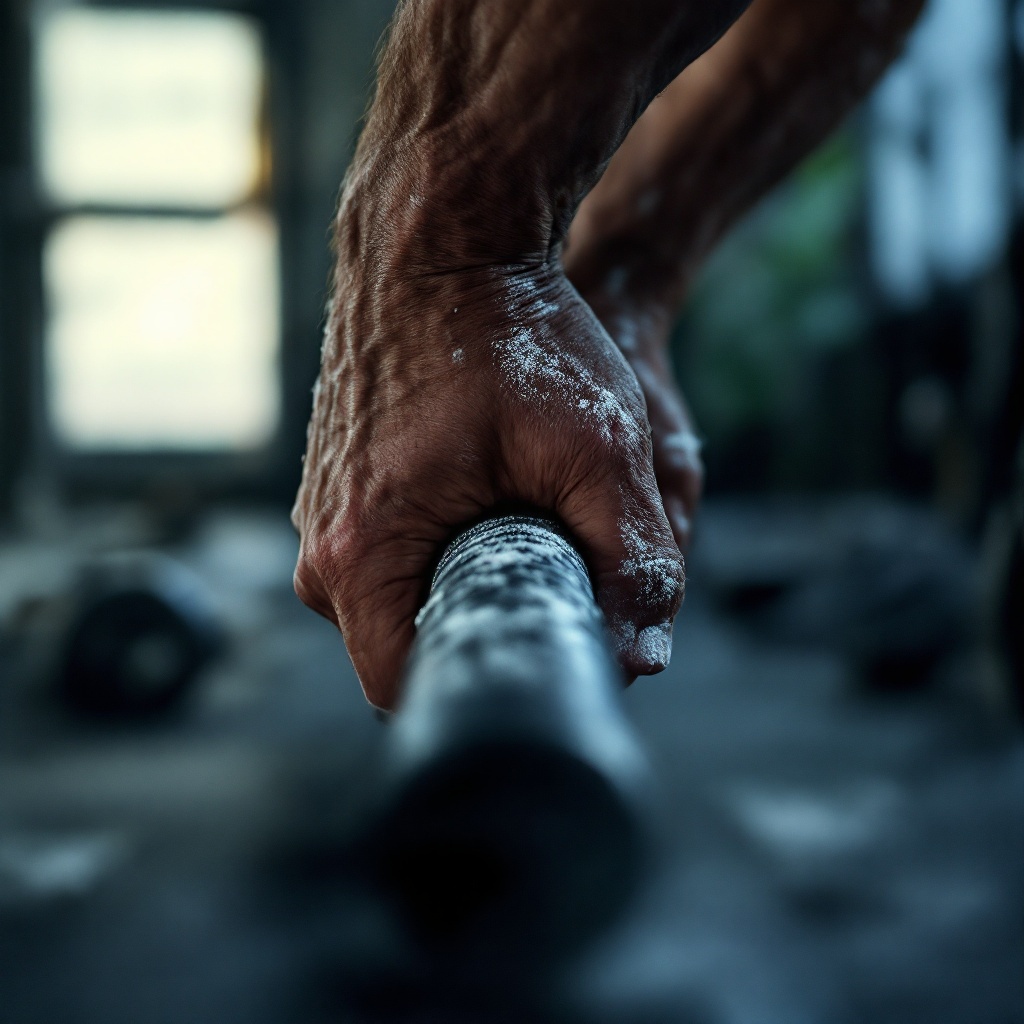
Real outputs, straight off the prompt sheet
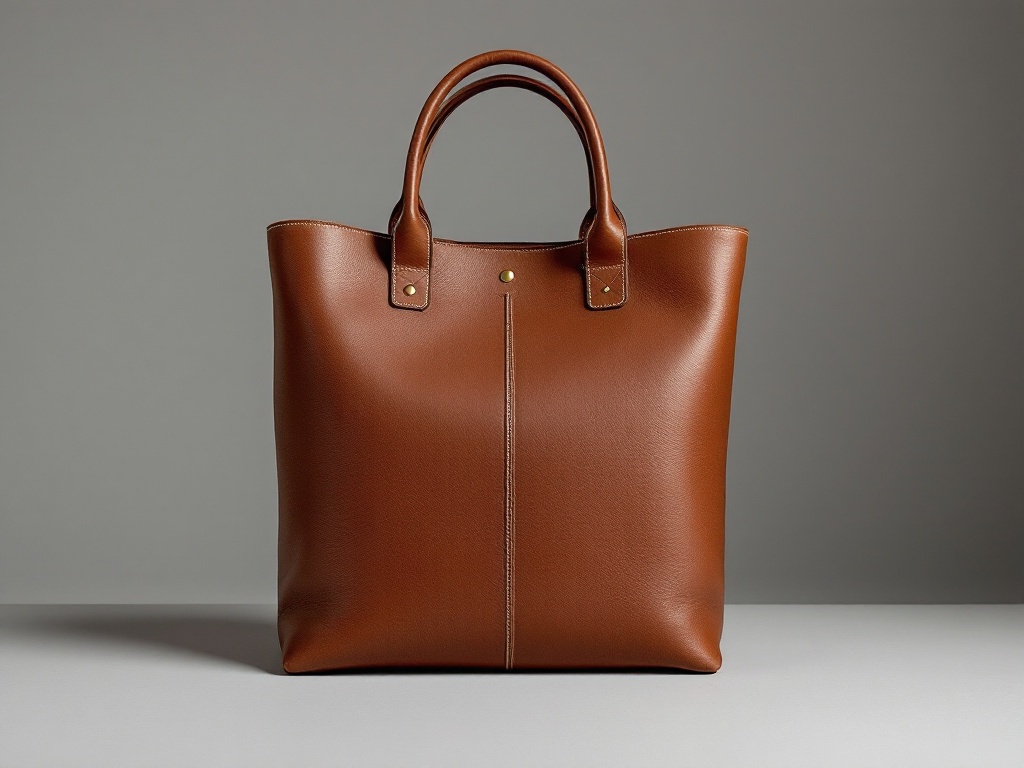
Every frame below came from a prompt in the library — unedited, no cherry-picked retouching. Product, scene and detail shots that need no character setup.
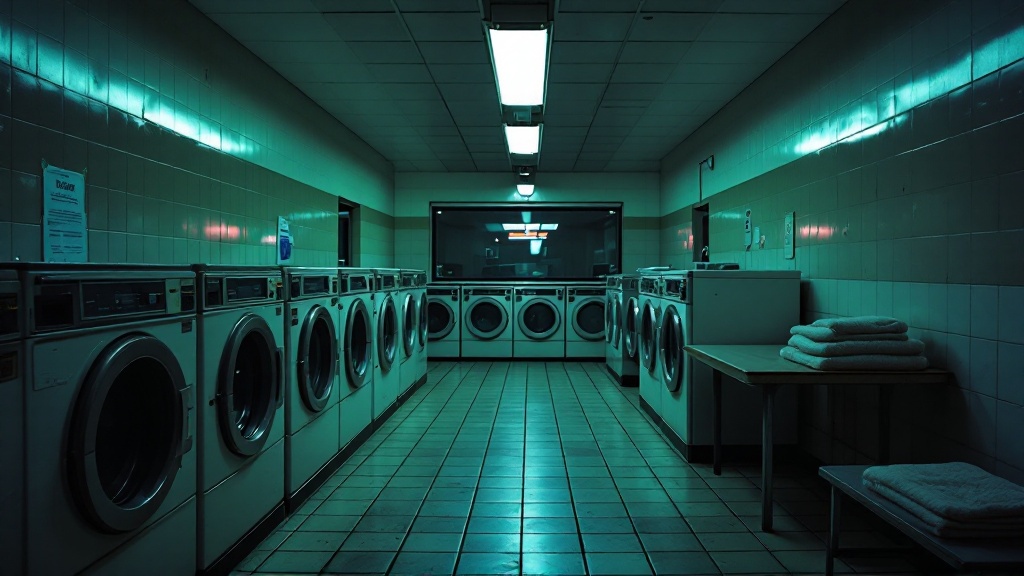
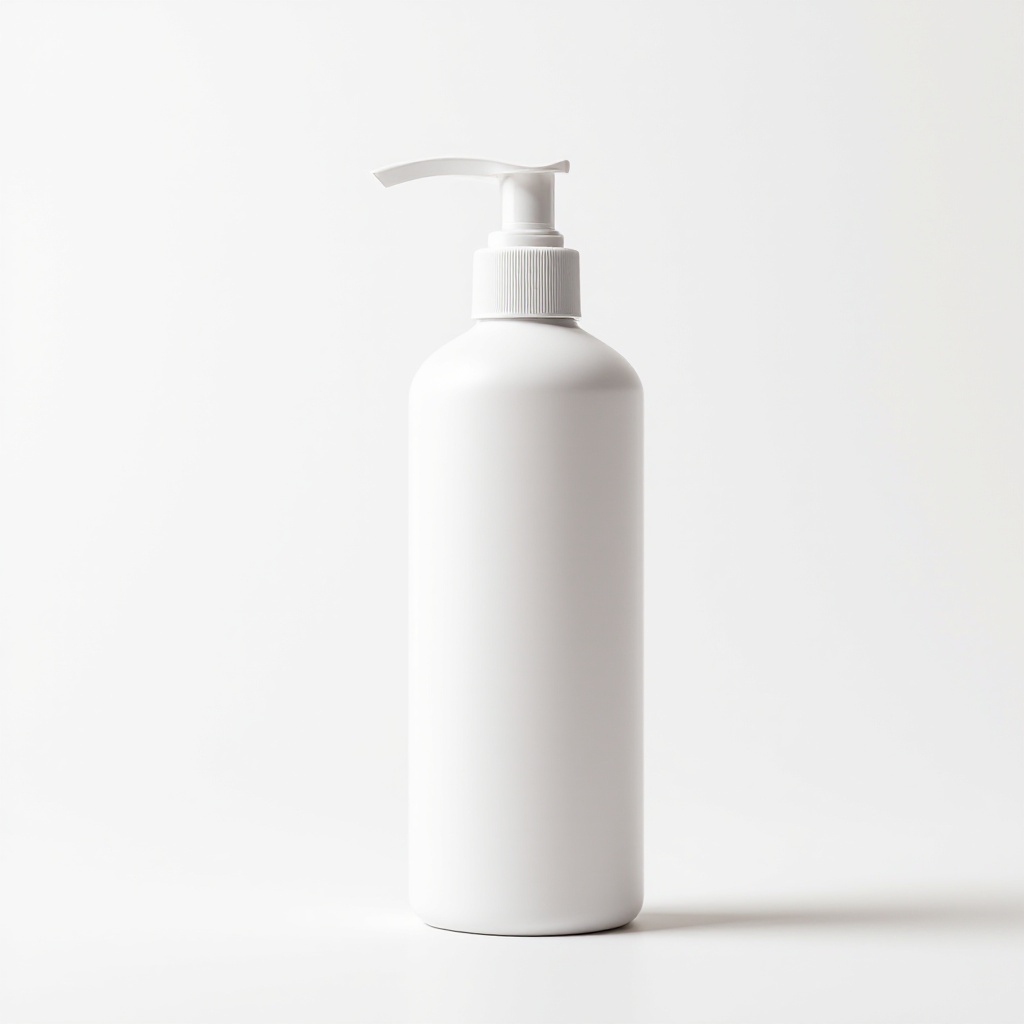
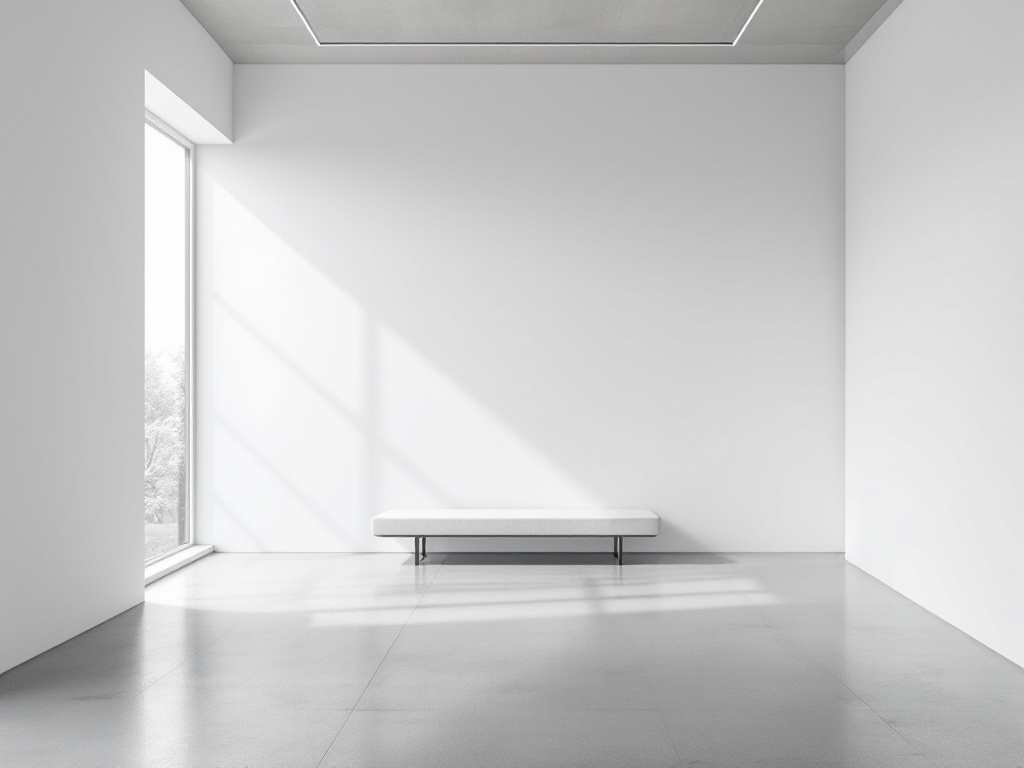
Rendered with FLUX pro from unmodified prompt text. Your results vary by model and seed — the per-prompt guidance names the model best suited to each shot.
The same prompts, in motion
Every clip below is one of the stills above, run through image-to-video from the same prompt. Autoplaying, muted, on loop — exactly how they arrive.
Rendered image-to-video from unmodified prompt stills. Motion, model and seed vary — the pack documents which prompts hold up as video and which stay stills.
Three real prompts, pulled straight from the library
Not rewritten for the sales page. These are the actual entries, truncated only for length.
Unboxing on the bed, direct phone flash
{{CHARACTER}}, sitting cross-legged on an unmade bed in a grey marl t-shirt and cotton shorts, lifting a plain kraft-cardboard mailer box lid toward the camera. Shot on a phone front camera held at arm's length, roughly 26mm equivalent, slightly off-centre fra…
Tip Models default to soft even studio light and quietly ignore 'flash' — force it by naming the physical consequences (hard shadow on the wall behind, blown highlight on the nose, background falling to black) instead of the word alone.
Best for: Midjourney, Flux, Seedream, Nano Banana
Slow push-in on a seated portrait, north window light
{{CHARACTER}}, seated in a worn leather armchair beside a tall north-facing window, wearing an oatmeal wool crewneck and dark straight-leg jeans. Late afternoon, soft overcast light entering from camera left at 45 degrees, the shadow side lifting gently rather…
Tip Do not run this as text-to-video — generate the still first and animate it image-to-video, because a text-only run rebuilds the face from scratch on every clip and your character will not match the previous shot.
Best for: Runway Gen-4, Kling 2.5, Luma Ray3, Veo 3
Wristwatch on a mirrored surface
Product photograph of an unbranded stainless steel wristwatch with a plain white dial and no maker text, lying angled on a black mirrored acrylic surface, crown toward camera right, strap curved naturally rather than laid flat. Lighting is a broad even field o…
Tip Watch crystals almost always come back with a reflection covering the dial; specify that the crystal reflection sits at one edge and the dial stays readable, and that the mirror image is a true inversion rather than a copy.
Best for: Flux, Midjourney, Seedream
One payment. No subscription ladder.
Everything you get
- All 318 prompts, across 9 categories
- The four-layer character consistency method
- Per-prompt model guidance from live testing
- A failure-mode tip on every single prompt
- Commercial licence — use output in client work
- Free updates as models change
No countdown. No launch discount. The price isn’t going up when a timer hits zero, so showing one would be a lie. Questions? ceo@theappmakerpro.com
Questions, answered straight
01Do the prompts work on every model?
No, and any pack claiming otherwise hasn't tested. Our own testing found that no single model honoured every constraint — one held wardrobe coverage, another held physical technique and exertion, and neither held both. Each prompt therefore names the models best suited to it. You'll still get good results elsewhere; you'll get the best results following the guidance.
02What does “tested” actually mean here?
It means we rendered prompts through live models, looked at the output, and changed the pack based on what came back. It does not mean all 318 have been individually rendered and graded — that would be a much larger claim, and it isn't true. The testing was concentrated on constraint-heavy prompts where failure was most likely.
03Will I get the same face every time?
With the written sheet alone, roughly 60% of the time. With reference conditioning on top, high 80s. With a trained LoRA, effectively always. The method for all of it is included, along with a debugging guide for when drift happens.
04Do I need a paid AI subscription?
You need access to at least one image model, and most have free tiers with limits. The prompts are plain text and work anywhere you can paste them. The per-prompt guidance names several options rather than locking you to one.
05Can I use the output commercially?
Yes — the commercial licence is included, so you can use results in client work and your own marketing. Check your chosen model's own terms too, since those vary by provider and change from time to time.
06Why is there no countdown or launch discount?
Because the price isn't going up when the timer hits zero, so showing one would be a lie. Same reason there are no live purchase popups or viewer counts on this page.
07What if it isn't useful to me?
Email ceo@theappmakerpro.com within 14 days and you get a full refund. You don't have to explain why.